



Are you ready to take your online presence to the next level but unsure where to start? With countless website builders available, finding the perfect fit for your needs can feel like searching for a needle in a haystack. Enter Jimdo: a user-friendly platform that promises to simplify the web design process while helping you create stunning, professional-looking websites—no coding experience required! But does it truly deliver on that promise? In this comprehensive Jimdo review, we’ll dive deep into its features, ease of use, pricing plans, and more. Whether you’re an aspiring entrepreneur, a creative artist, or just looking to showcase your passion project online, join us as we explore whether Jimdo is the ideal website builder for you!
Introduction to Jimdo website builder
In today’s digital landscape, having a website is no longer just an option; it’s a necessity. Whether you’re launching a personal blog, showcasing your portfolio, or establishing your online store, the right website builder can make all the difference. Enter Jimdo—a platform that promises to simplify the web-building process and empower users of all skill levels. But does it live up to its reputation? In this review, we’ll dive deep into what makes Jimdo tick: its features, ease of use, pricing options—and much more. Let’s unravel whether this could be the tool you’ve been searching for to bring your online vision to life.
Features and tools offered by Jimdo
Jimdo offers a variety of features that cater to different website needs. One standout tool is the AI-driven website creator, which helps users design their site in minutes by asking simple questions about preferences. The platform also includes customizable templates, ensuring your website reflects your brand identity. You can choose from various layouts and styles without any coding knowledge required. E-commerce capabilities are robust too. Jimdo allows you to set up an online store, manage inventory, and accept payments seamlessly. Additionally, built-in SEO tools help optimize your content for search engines. This feature makes it easier for potential customers to find you online. Other notable features include analytics tracking, social media integration, and mobile optimization. All these tools work together to create a comprehensive web-building experience tailored for both beginners and seasoned developers alike.
Ease of use and user-friendly interface

Navigating Jimdo is a breeze, even for beginners. The platform boasts an intuitive interface that welcomes users with open arms. You don’t need technical expertise to get started. With drag-and-drop functionality, you can easily arrange elements on your website without any hassle. Templates are pre-designed yet customizable, allowing personal flair while saving time. Each tool is clearly labeled, guiding you through the process effortlessly. The mobile-friendly editor ensures updates can be made on-the-go, perfect for busy entrepreneurs or anyone juggling multiple tasks. Whether you’re building a portfolio or an online store, Jimdo’s streamlined setup helps maintain focus on what matters most: your content and vision.
Pricing options and plans available
Jimdo offers a range of pricing options to cater to different needs and budgets. Their plans are structured into four main categories: Free, Basic, Grow, and Unlimited. The Free plan allows users to create simple websites without any cost. However, it comes with limitations like Jimdo branding and fewer customization options. For those looking for more features, the Basic plan is quite affordable. It unlocks a custom domain name and additional storage space. As you scale up to the Grow and Unlimited plans, you’ll gain access to advanced features such as SEO tools, email marketing integrations, and enhanced analytics capabilities. This tier approach ensures that whether you’re starting small or aiming for significant growth, there’s a suitable option available for your website journey.
Customer reviews and testimonials
Customer feedback plays a crucial role in understanding Jimdo’s effectiveness. Many users appreciate its straightforward setup process, allowing them to launch their websites quickly. Positive reviews often highlight the design flexibility offered by Jimdo. Users enjoy customizing templates without needing extensive technical skills. This ease of use has made it a popular choice among small business owners and freelancers. However, some customers express frustration with limitations in advanced features compared to competitors. They feel that while Jimdo is excellent for beginners, those seeking more complex functionalities might find it lacking. Testimonials often reflect satisfaction with customer support as well. Quick responses and helpful guidance have earned praise from users trying to navigate challenges during website creation. Overall, the variety of experiences shared paints a comprehensive picture of what new users can expect when using Jimdo.
Tips for getting the most out of Jimdo
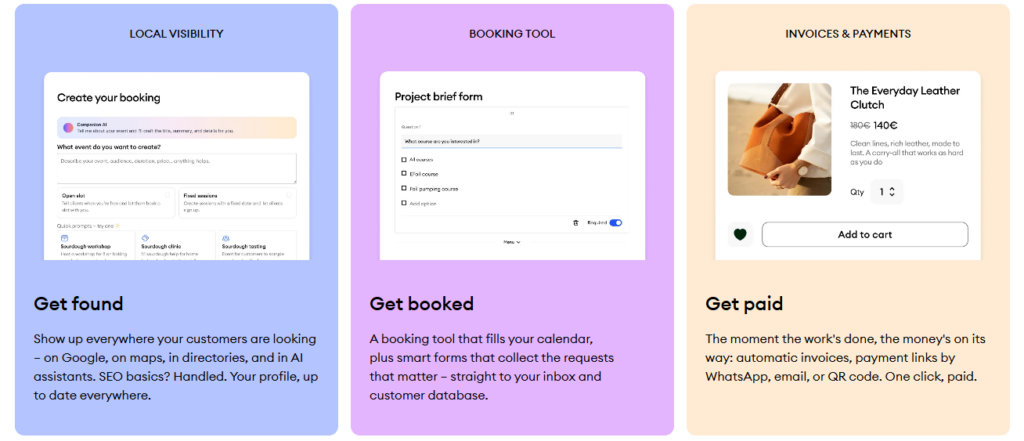
To maximize your experience with Jimdo, start by exploring its AI-powered website creation tool. This feature can save you time and help generate a site tailored to your needs effortlessly. Customize templates to match your brand’s identity. Take advantage of the design flexibility offered, adjusting colors, fonts, and layouts easily. Utilize SEO tools provided by Jimdo. Optimize each page with keywords to enhance visibility on search engines. Don’t overlook the eCommerce features if you’re selling online. Set up payment methods and manage inventory directly through the platform for seamless transactions. Engage with their support resources. The knowledge base offers valuable insights that can guide you in troubleshooting common issues or enhancing site functionality. Regularly update content to keep your audience engaged. Fresh blogs or portfolio pieces show activity and encourage repeat visitors while boosting SEO rankings.
Final verdict: Is Jimdo the right choice for you?
When it comes to choosing a website builder, the right option depends on your specific needs and goals. Jimdo stands out for its simplicity and user-friendly design, making it an appealing choice for beginners or those who want to set up a site quickly without getting bogged down in technical details. The features offered are robust enough for personal websites, small businesses, and portfolios. However, if you’re looking for advanced customization or e-commerce capabilities, you might need to consider other options. Pricing is competitive, with plans catering to different budgets. Customer testimonials often highlight the ease of use but mention limitations when scaling up functionalities as businesses grow. Assessing how Jimdo stacks up against competitors can help clarify whether it’s the right match for your project. If you’re someone seeking straightforward solutions without excessive complexity—and you appreciate quick setups—Jimdo could be just what you need. Ultimately, weigh the pros and cons based on your individual requirements before making a decision.